WhatsApp device linking fails with “Couldn’t link device / Couldn’t log in” error
I’m facing an issue while trying to link WhatsApp using the device linking / QR or phone number flow.
Issue details:
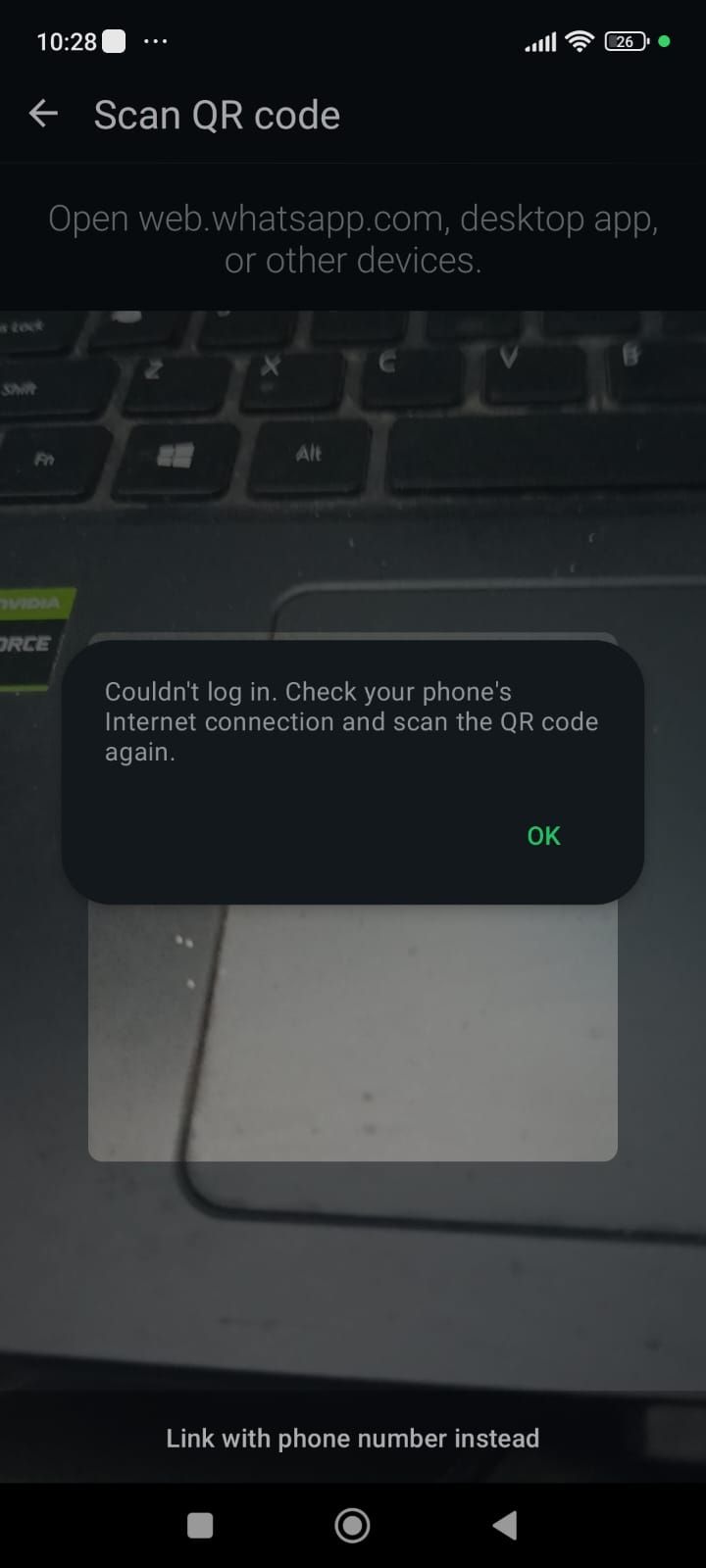
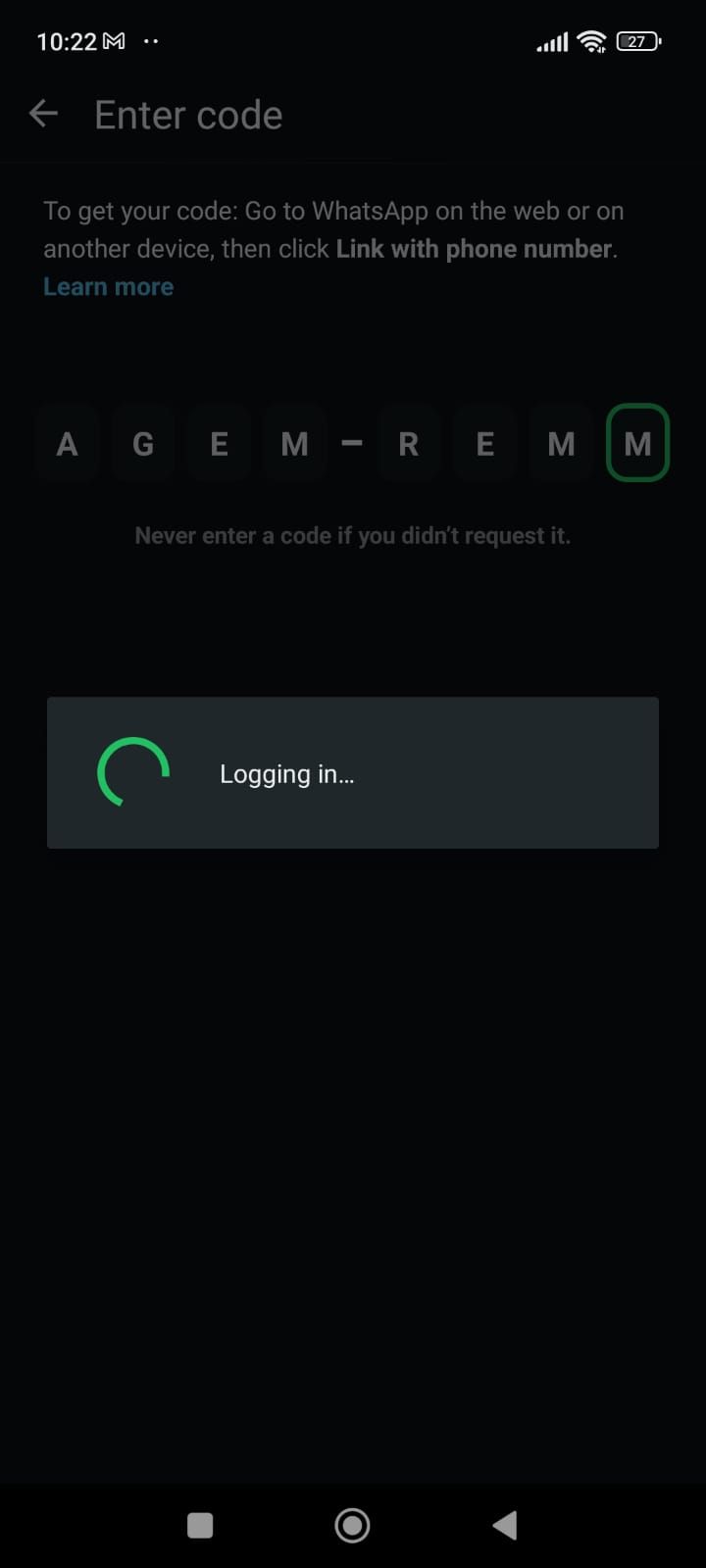
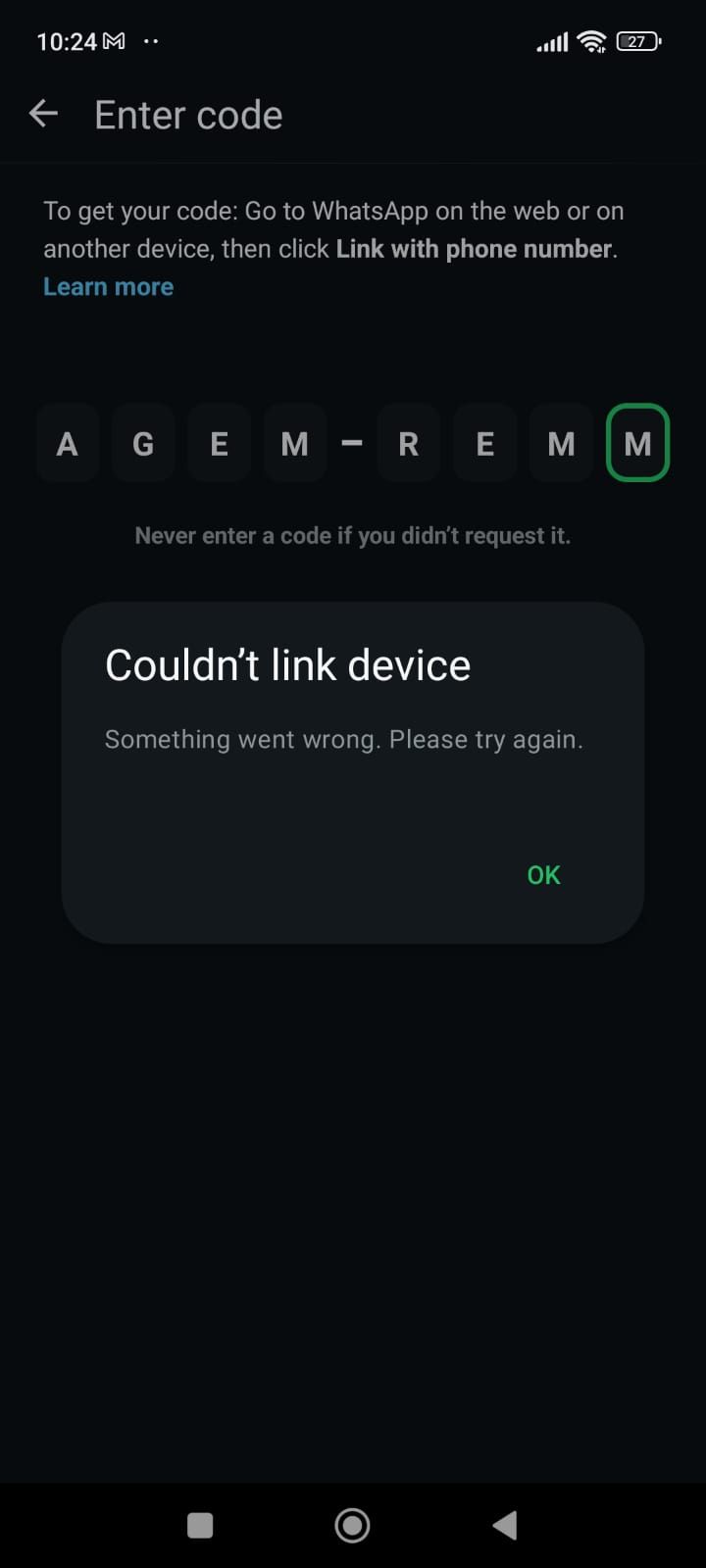
When I try to link the device, it shows:
loads for sometime after scanning QR/entering code then it pops:
“Couldn’t link device. Something went wrong. Please try again.”
“Couldn’t log in. Check your phone’s Internet connection and scan the QR code again.”
What I’ve tried:
Stable internet connection (Wi-Fi and mobile data)
QR code linking and phone-number-based linking
Updated WhatsApp to the latest version
Result:
Linking fails consistently and does not complete.
Expected behavior:
WhatsApp device should link successfully after QR scan or code entry.
Please let me know if any additional configuration or steps are required on the platform side, or if this is a known issue.
Log in to comment and vote
Comments1
Kartik Deshmukh
Feb 5
Hey Shravan! Sorry for the inconvenience, the WhatsApp connection is very new and prone to such issues, I would request you to try another time, if you still face issues we can connect 1-1 to fix this.